Minecraft Java Edition: How to Craft and Use Scaffolding
Scaffolding is a building block in Minecraft that helps you reach high places while constructing towers or working on exterior walls. You can quickly stack it, climb through it, and remove the blocks that depend on it when the work is finished.
This guide explains how to craft and use scaffolding in Java Edition. The controls described here use the default keyboard and mouse bindings; Bedrock Edition controls differ.
How to craft scaffolding
You need six bamboo and one string to craft six scaffolding blocks. You can find bamboo in jungle biomes and obtain string from spiders. The materials and crafting output are also described in Minecraft's official scaffolding guide.
Open a crafting table and fill the left and right columns of its 3 × 3 grid with bamboo. Place the string in the top middle slot, leaving the other two middle slots empty:
| Row | Left | Middle | Right |
|---|---|---|---|
| Top | Bamboo | String | Bamboo |
| Middle | Bamboo | Empty | Bamboo |
| Bottom | Bamboo | Empty | Bamboo |
Take the six scaffolding blocks from the result slot.
How to use scaffolding
- Select scaffolding in your hotbar and right-click to place it on the ground.
- To build a column, keep aiming at the bottom scaffolding block and right-click repeatedly.
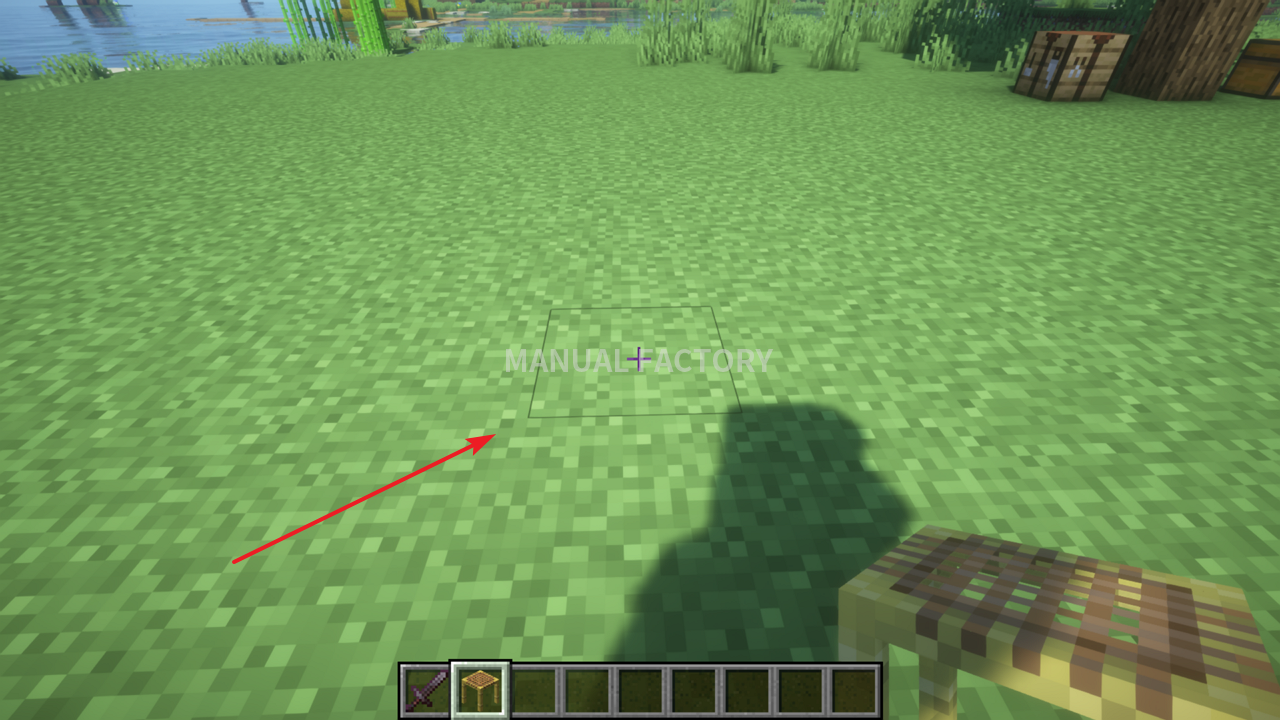
- The new blocks stack on top of the column, so you can build upward while standing on the ground.
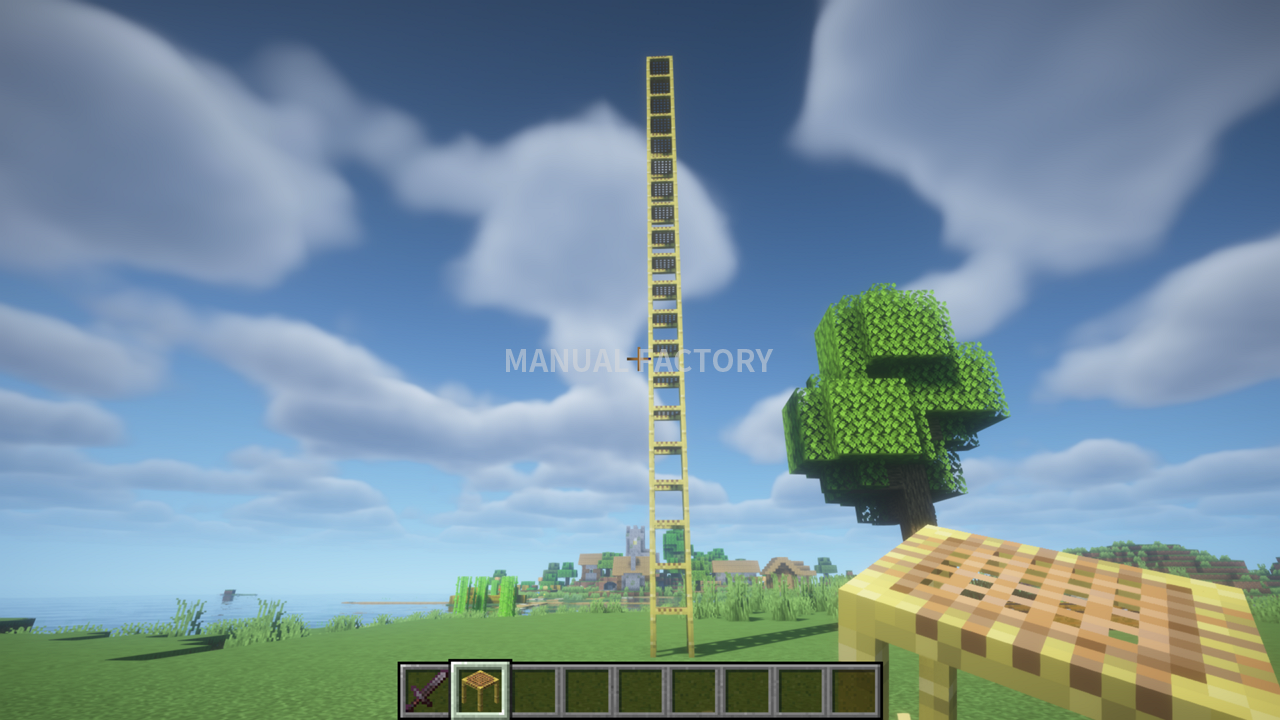
- Walk into the scaffolding and hold the Jump key (Space) to climb. Hold the Sneak key (Left Shift) to descend.
- While partway up the column, look upward and place more scaffolding to extend it above you.
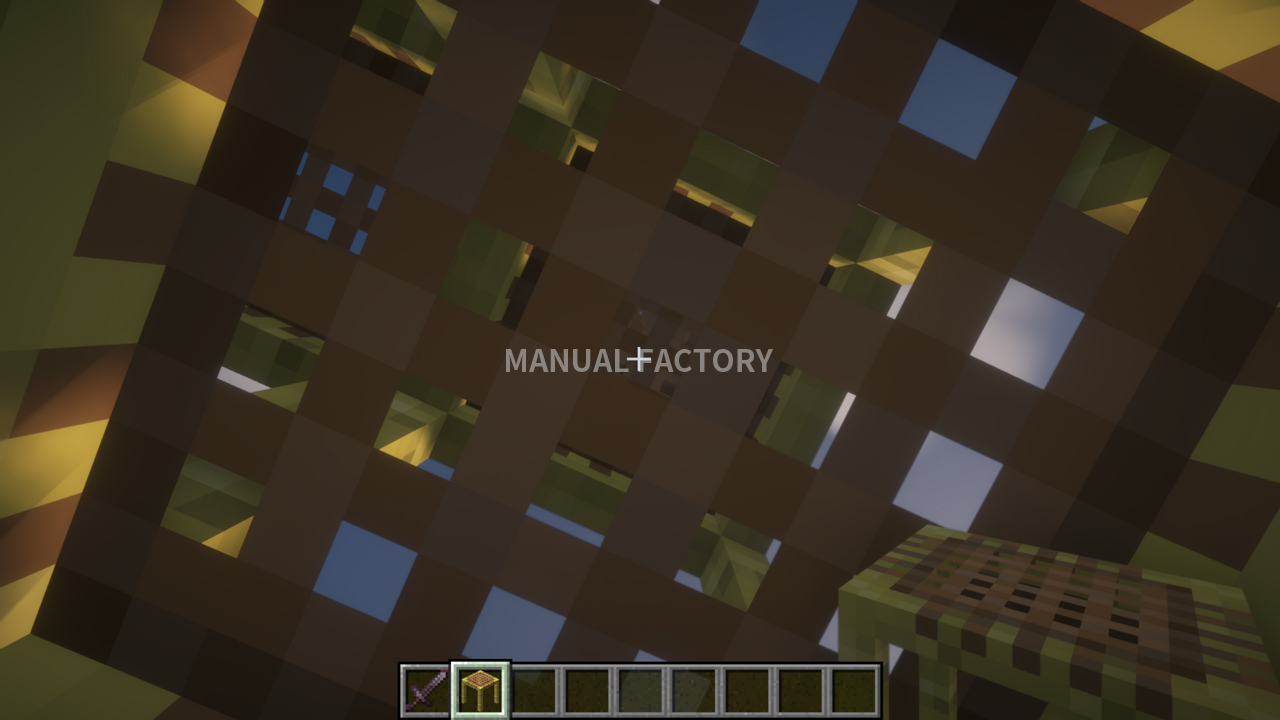
- When you place scaffolding against the column while looking horizontally, it extends in the direction you are facing.
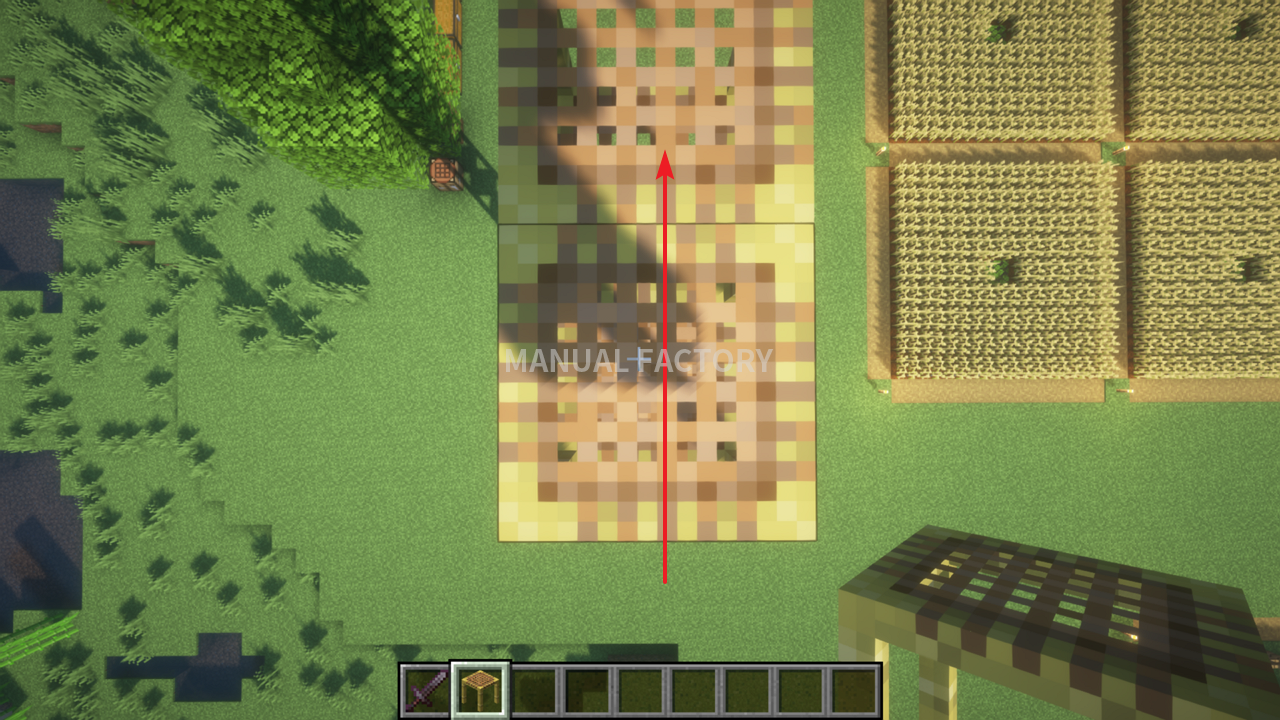
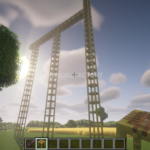
- Scaffolding can extend up to six blocks horizontally from a supported column without another support.
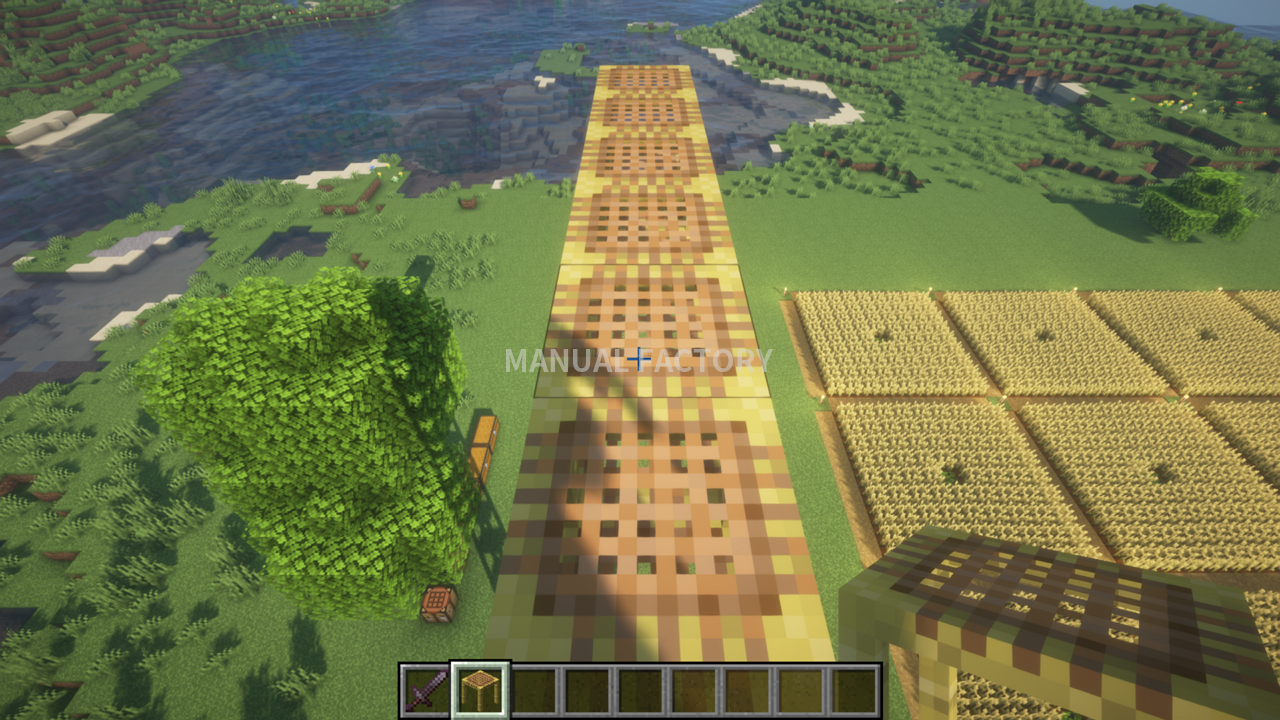
- A block placed beyond that limit falls. If it lands on suitable ground, it can become the base of another column.
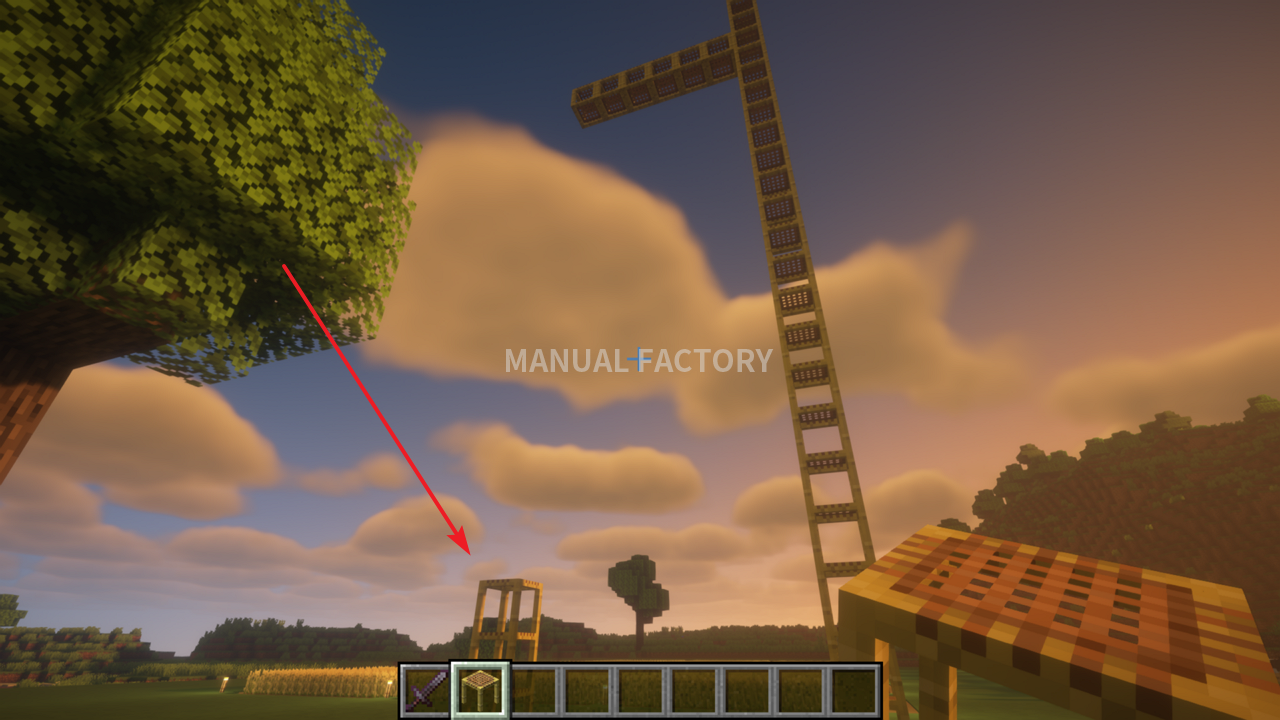
- Build another column from the ground and connect it to the platform to extend your route farther across.
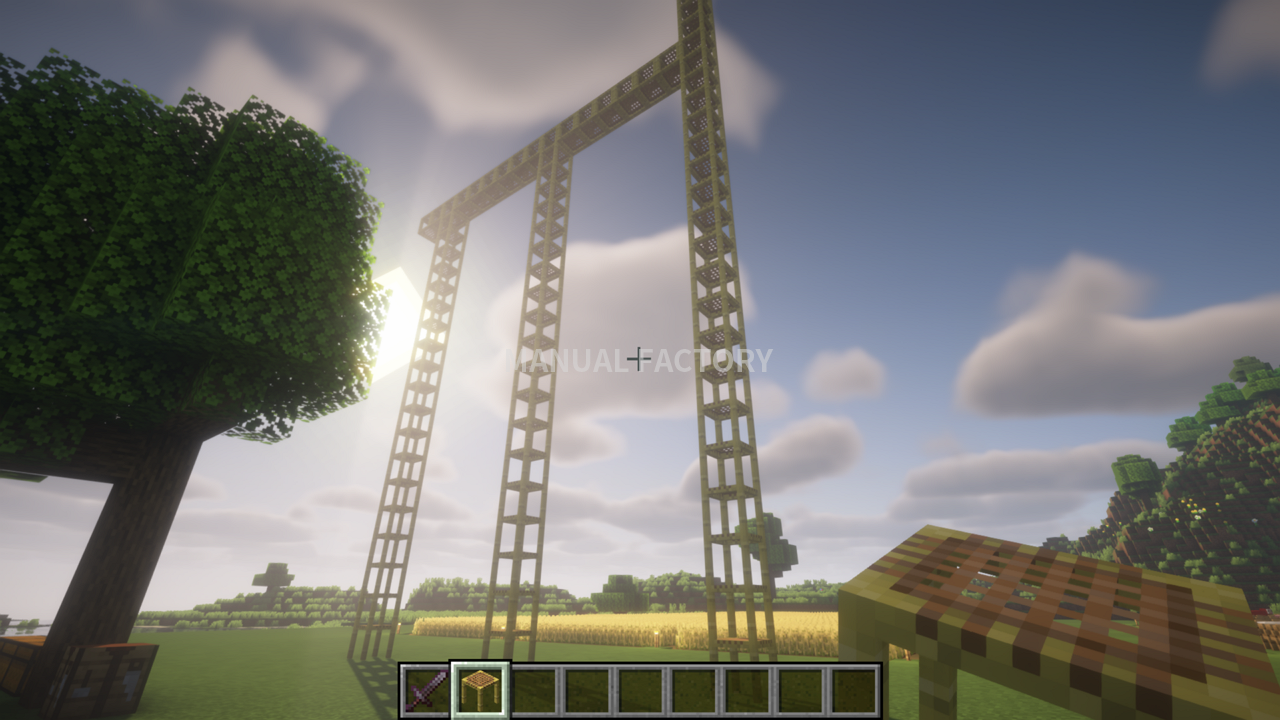
- To remove scaffolding, aim at a block and left-click to break it.
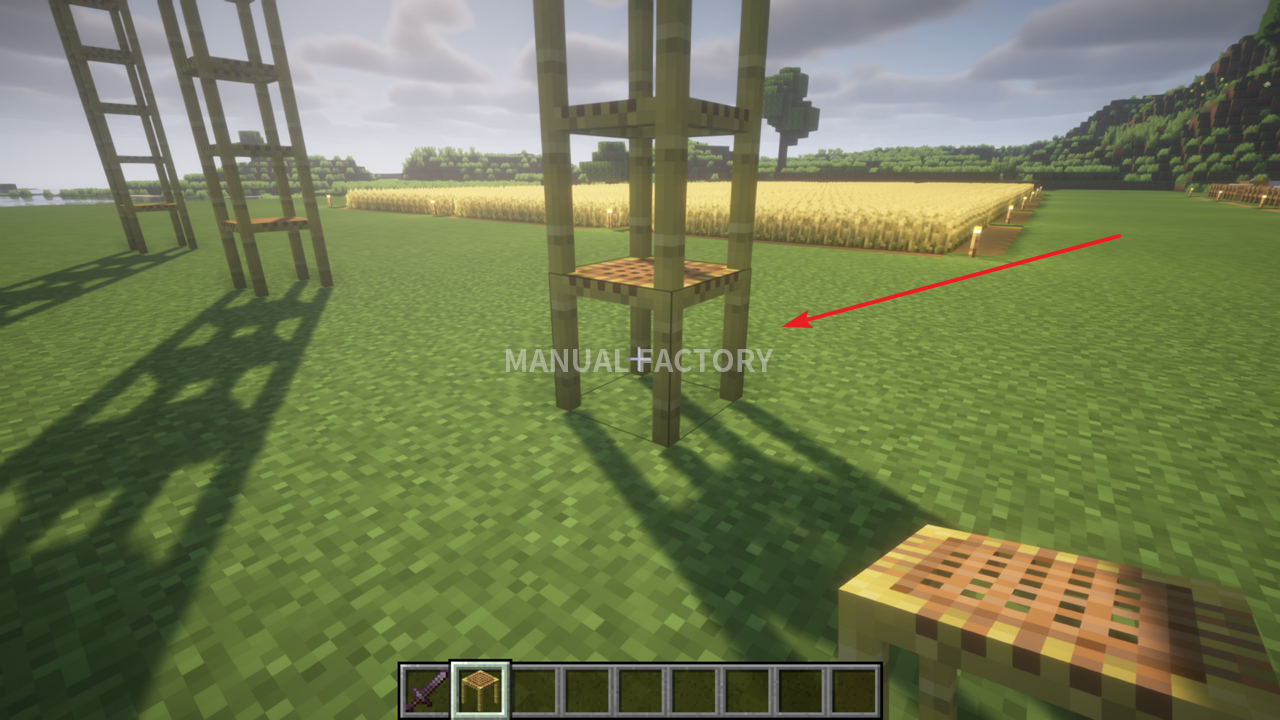
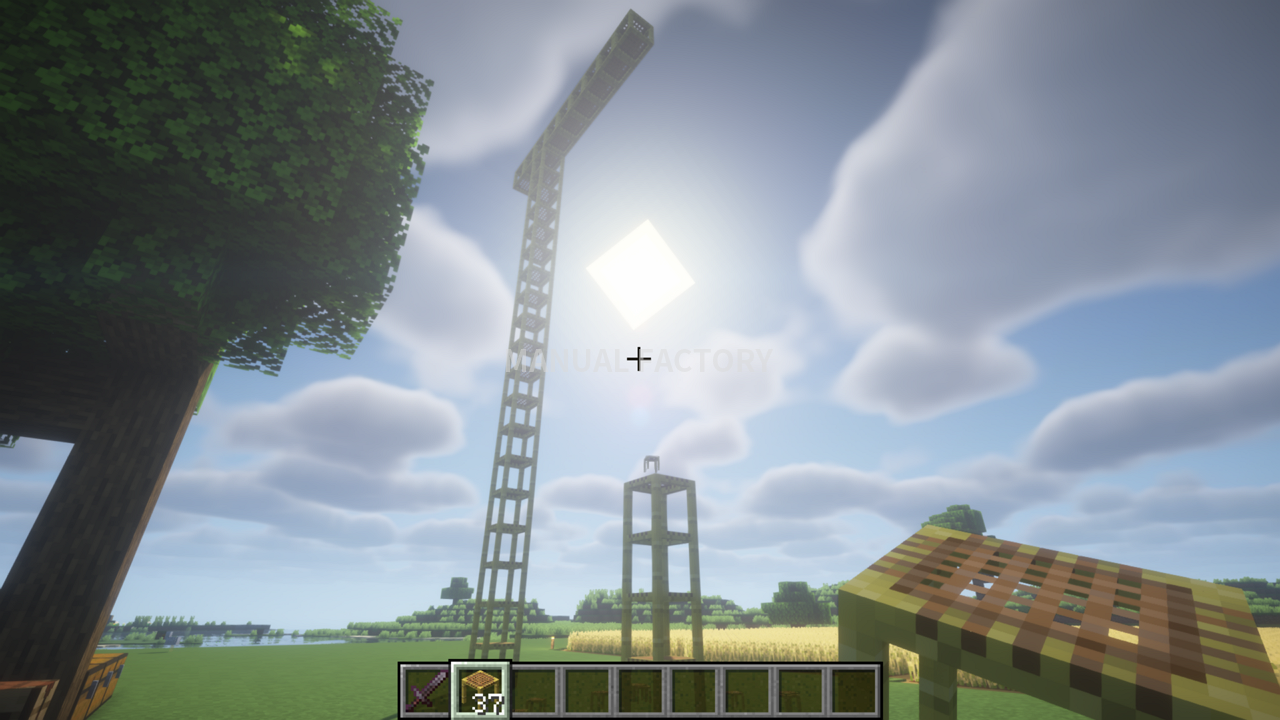
- Blocks above it and horizontal sections that lose their support also break. Sections with another valid support can remain in place.
- The broken scaffolding drops as items that you can collect and use again.
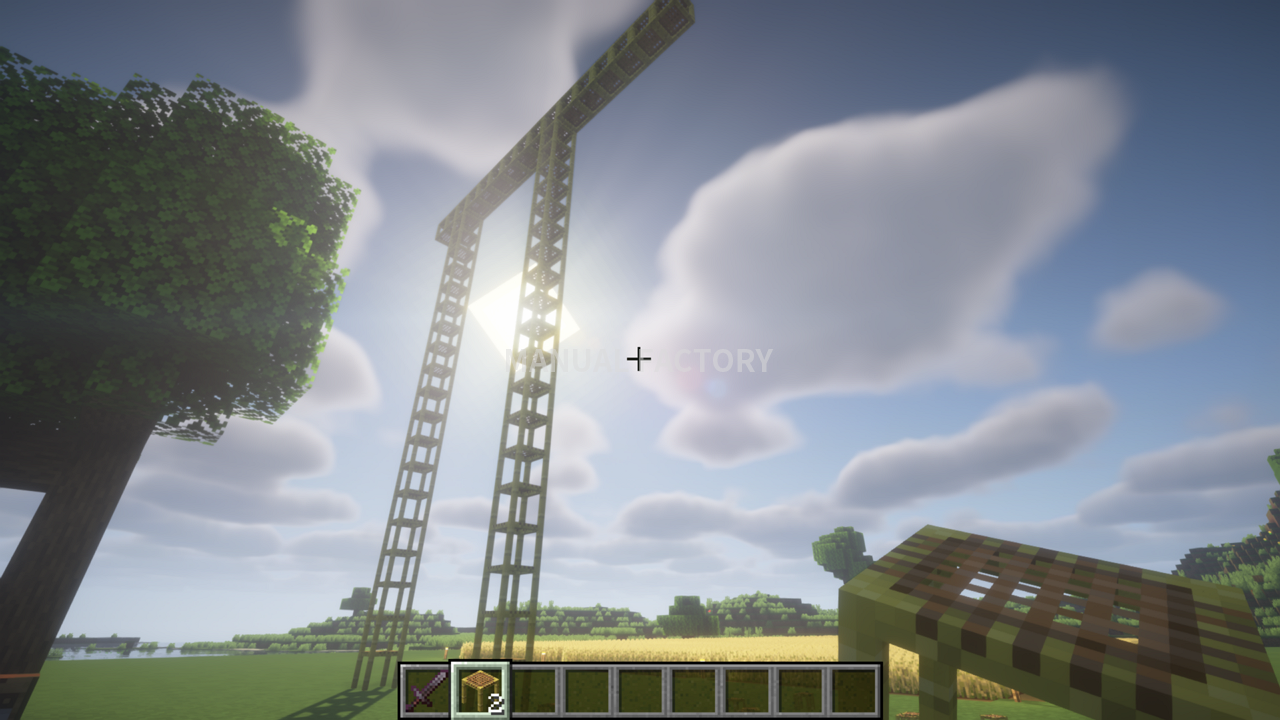
- You can also remove a block partway up a column rather than breaking its base.
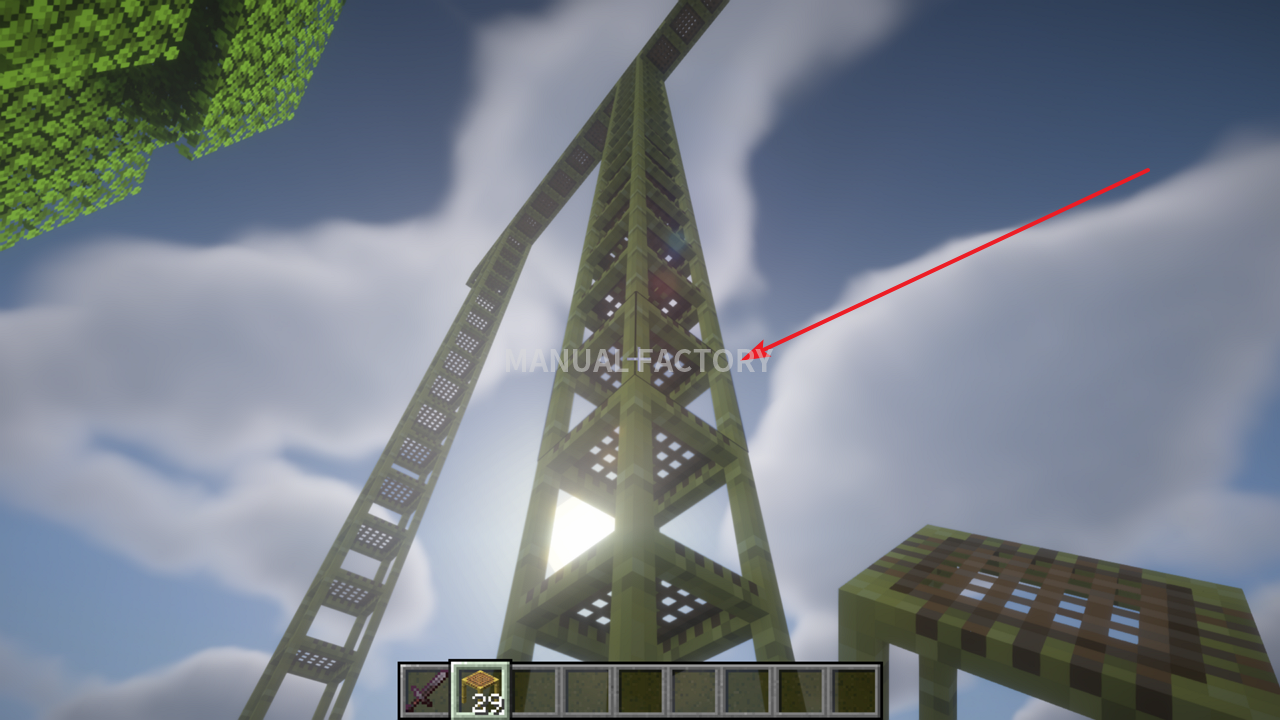
- The unsupported blocks above that point break, while the lower part of the column remains.

How to Show Coordinates in Minecraft Bedrock Edition
Learn how to show and hide coordinates in Minecraft Bedrock, read X, Y, and Z, and record your base location. The guide also covers copying coordinates and resolving permission problems in shared worlds.
Minecraft Bedrock World Save Location on Windows: Backup and Restore
Find the current and legacy Minecraft Bedrock world folders on Windows and identify your saves. Learn how to back up, transfer, and restore worlds using folder copies or .mcworld exports.
Minecraft Java Edition: How to Craft and Use Scaffolding
Learn the scaffolding recipe and Java Edition controls for building columns, climbing, extending platforms, and removing scaffolding. Screenshots explain the horizontal support limit and how to reuse the blocks.

Minecraft Biomes Explained: Types, Resources, and How to Find Them
Learn how Minecraft biomes differ across the Overworld, Nether, and End. Compare useful environments, distinguish biomes from structures, and find locations using debug information or commands.

Minecraft Efficiency Enchantment: Tools, Mining Speed, and Efficiency V
Understand which tools benefit from Efficiency and why mining speed varies. Learn how to obtain Efficiency V, assess instant-mining conditions, and maintain your tools.

Minecraft Enchantments: Enchanting Table, Anvil, and Gear Guide
Learn how to enchant Minecraft equipment, arrange 15 bookshelves, and apply enchanted books with an anvil. Compare useful effects, experience costs, and incompatible combinations to choose gear for your Survival world.

Minecraft Fortune Enchantment: Uses, Tools, and How to Get Fortune III
Learn where Fortune improves block drops, which tools to use, and how it differs from Silk Touch. Follow the steps to obtain Fortune III and understand common drop exceptions.
What Is Minecraft? Game Modes, Editions, and Getting Started
Learn what you can do in Minecraft, how Survival and Creative differ, and how to choose between Java and Bedrock Edition. This beginner's guide also explains multiplayer options and the essentials to check before your first world.